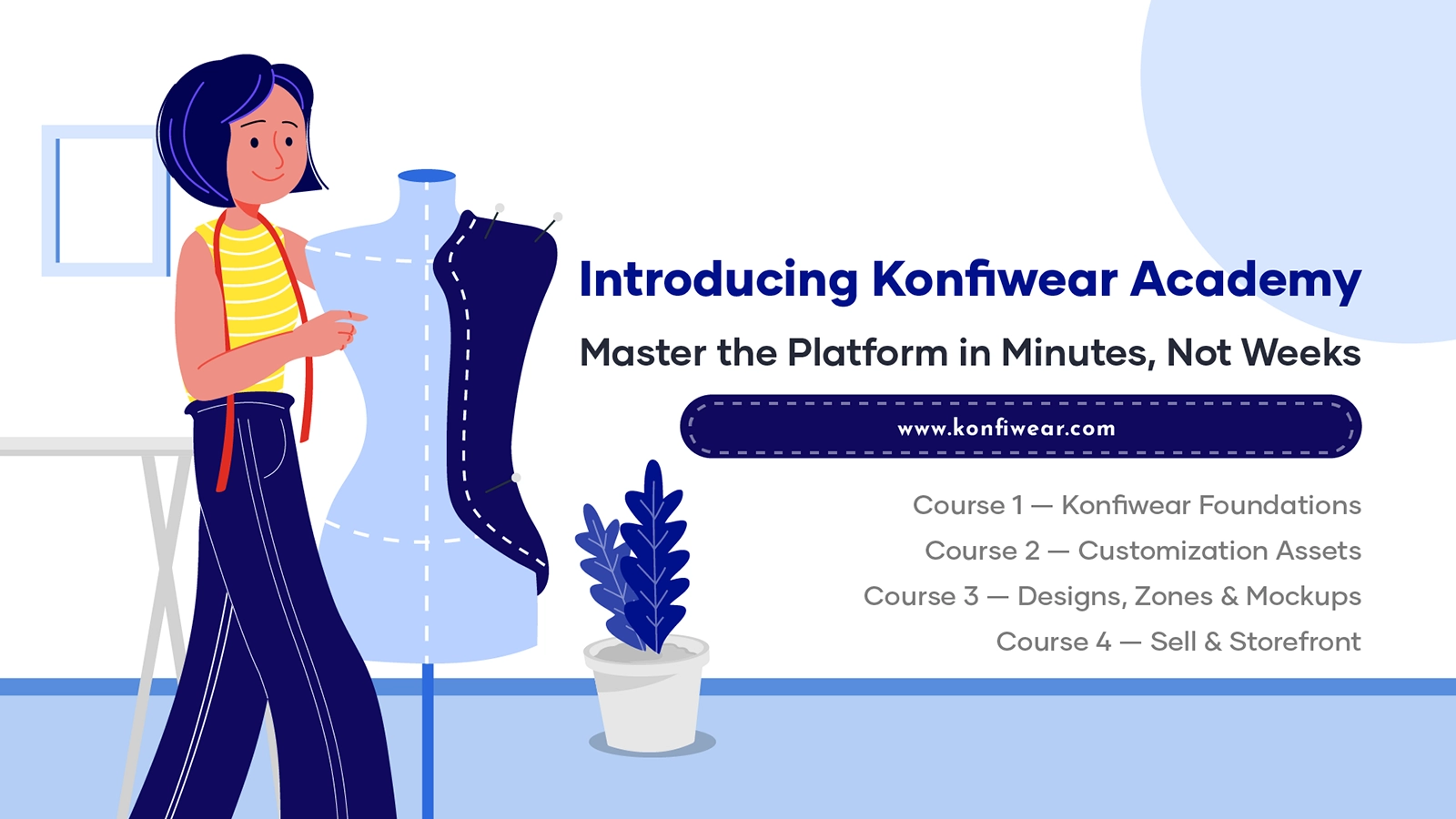
Introducing Konfiwear Academy: Master the Platform in Minutes, Not Weeks
Konfiwear Academy is live — free video lessons that take you from your first 3D product to selling custom apparel online. Start learning today.
Setting up an apparel customization platform shouldn't feel like a project. Yet most teams lose their first week clicking around, guessing at settings, and re-uploading 3D garments that don't render the way they expected.
Konfiwear Academy fixes that. It's our new on-demand video library that takes you from an empty account to a live, sellable product — one short lesson at a time. Every video is built around a single task you actually need to do in the platform, with chapter markers so you can jump straight to the part you need.
Whether you're a sportswear brand launching a customizer, a print shop migrating from another tool, or a production manager training a new hire, the Academy gives your team a clear path through Konfiwear's real-time 3D configurator, asset setup, and eCommerce integrations.
Here's what's inside.
A structured path, not a pile of tutorials
The Academy is organized into four courses that follow the natural order of work in Konfiwear — from importing a garment to making your first sale. You can watch end to end or drop into the exact lesson you need.
Each lesson is deliberately short. Instead of one hour-long walkthrough, you get focused videos on discrete tasks: adding a product, exporting a GLB, creating a color zone, connecting Shopify. Chapter markers break longer lessons into searchable sections, so finding "how to set up size configurations" takes seconds.
It's the same workflow our team uses to onboard the 500+ brands already building on Konfiwear across 40+ countries.
Course 1 — Konfiwear Foundations
This is where every new account should start. Foundations covers the groundwork: adding your first product, setting up size configurations, and preparing 3D garments so they render accurately in the customizer.
You'll learn how to export T-shirt models to GLB, follow our garment-prep best practices, and use the Konfiwear UV add-on to take a garment from Blender straight to your products page. By the end, you have a real product ready to be customized in real-time 3D.
Course 2 — Customization Assets
Once your product exists, this course shows you how to control everything a customer can change on it. It's the heart of the 3D product configurator experience.
Lessons cover:
- Colors and palettes — add Pantone-accurate colors, build custom color zones, and group colors into reusable brand palettes.
- Fabrics and patterns — upload custom fabrics, add patterns, and control which ones appear on each product.
- Positions and categories — define where logos and text can sit, and organize products so your storefront stays easy to browse.
Get this course right and your customizer offers exactly the choices you want — no more, no less.
Course 3 — Designs, Zones & Mockups
Course 3 is for the design and production side of your team. It walks through bringing artwork into Konfiwear from the tools you already use, then defining where customers can personalize a garment.
You'll find full workflows for CorelDraw to Konfiwear and Illustrator to Konfiwear (creating and exporting print-ready SVG designs), plus lessons on adding and assigning text and graphic print zones. This is also where the mockup studio comes in — generating photorealistic 3D mockups for client approvals and marketing, with shareable approval links.
The result: print-ready output every time, with no manual file prep and no design-to-production translation errors.
Course 4 — Sell & Storefront
The last course connects your work to revenue. It covers publishing your customizer on your store and understanding the buyer-facing experience.
Start with our Shopify integration lesson to connect your store and go live, with WooCommerce, Wix, and OpenCart guides on the way. From there, lessons on buying products, tiered pricing, and saving quote revisions show you exactly what your customers see — so you can set up a checkout experience that converts.
Built around real video, with more on the way
Every lesson in the Academy is a real screen recording from inside Konfiwear. The library is already stocked across all four courses, and we're adding more — onboarding and dashboard tours, font management, dedicated mockup lessons, and the remaining storefront integrations are in production now.
Because the Academy lives inside your account, new lessons appear automatically as we publish them. There's nothing to install and nothing to buy — it's included with your Konfiwear plan.
Start learning today
Konfiwear Academy turns the learning curve into a checklist. Begin with Foundations to get your first product live, then move through Customization Assets, Designs & Mockups, and Sell & Storefront at your own pace. New hires get up to speed in an afternoon, and experienced users get answers without opening a support ticket.
Open your dashboard and head to the Academy to watch your first lesson — or, if you're not on Konfiwear yet, see the platform in action first.
→ Start your 14-day free trial — no credit card required
See pricing for plan details and what's included with Academy access.