3D Clothing Configurator
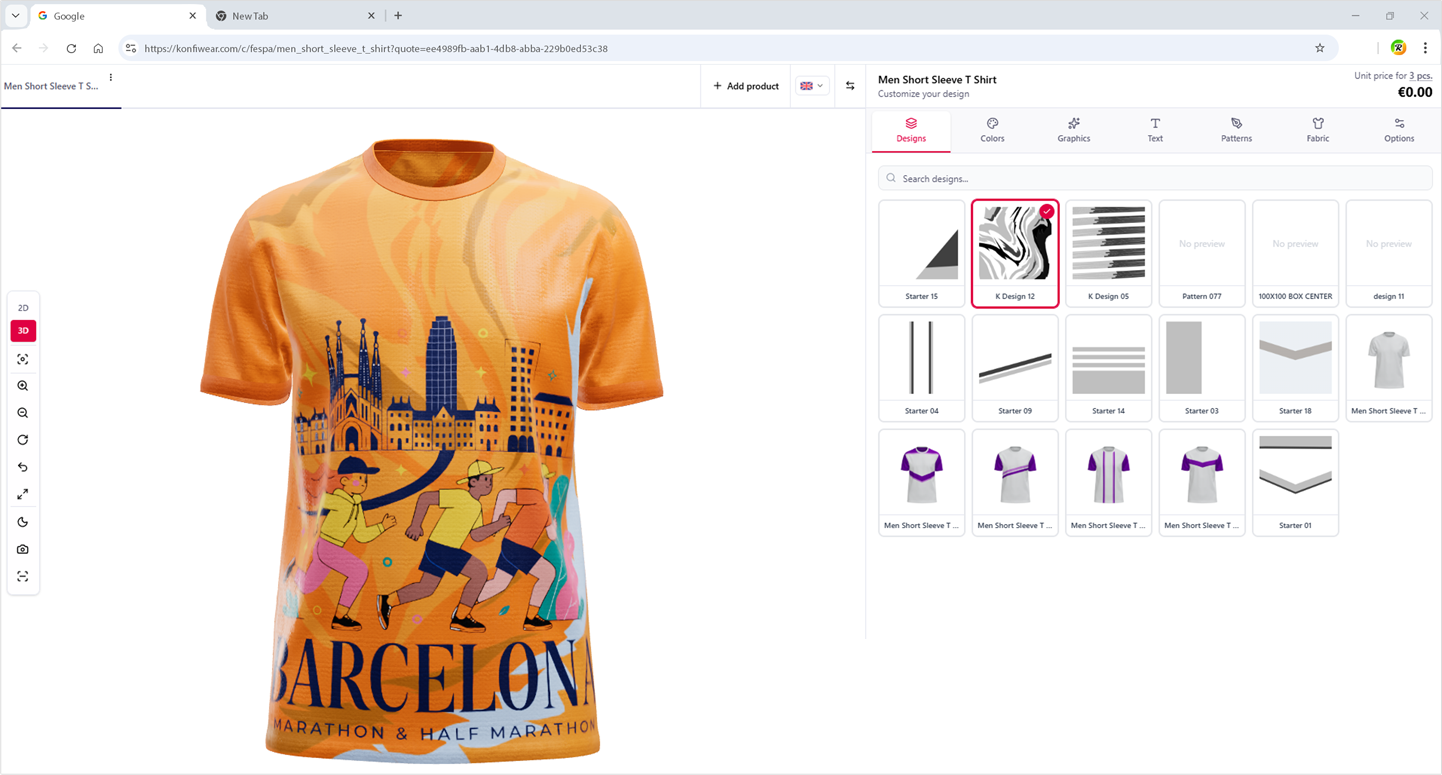
Let customers design apparel in real-time 3D—rotate, zoom, change colors, add logos or names—on a photorealistic model.
Konfiwear instantly generates print-ready files, with no manual prep or back-and-forth. Full customization, start to finish, all in one platform.
Trusted by apparel customization leaders








What Makes a 3D Clothing Configurator Different From a 2D Mockup Tool
A 3D clothing configurator renders a photorealistic garment model your customers can interact with — unlike a 2D mockup tool that overlays flat artwork on a static image with no depth, rotation, or zone-level control.
Most apparel brands start with a 2D mockup tool: flat image overlays, static previews, no interaction. Customers guess at proportions, colors look different on screen vs. press, and every approval round creates another email thread.
2D mockup tools
- Flat image overlays on a static preview
- No rotation, zoom, or spatial context
- Hex color approximations that drift at press
- Manual file prep after every order
- More abandoned carts and approval cycles
3D clothing configurator
- Real-time 3D model — Customers rotate and zoom the garment, not a flat image
- Color accuracy — Pantone-matched panel colors, not hex approximations
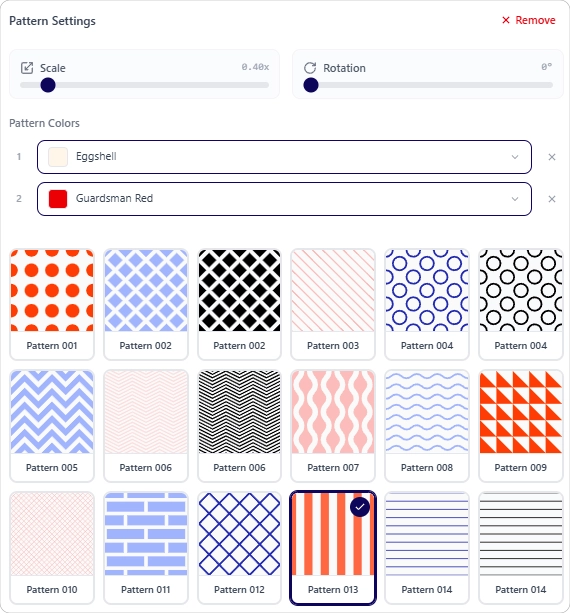
- Zone-based customization — Front, back, sleeves, and collar controlled independently
- Instant production output — The file generated on confirmation is the file that goes to press
How Konfiwear's 3D Clothing Configurator Works
Konfiwear connects your storefront to production in a single digital pipeline — from first design click to print-ready file, with no physical prototypes needed.
Embed in your store
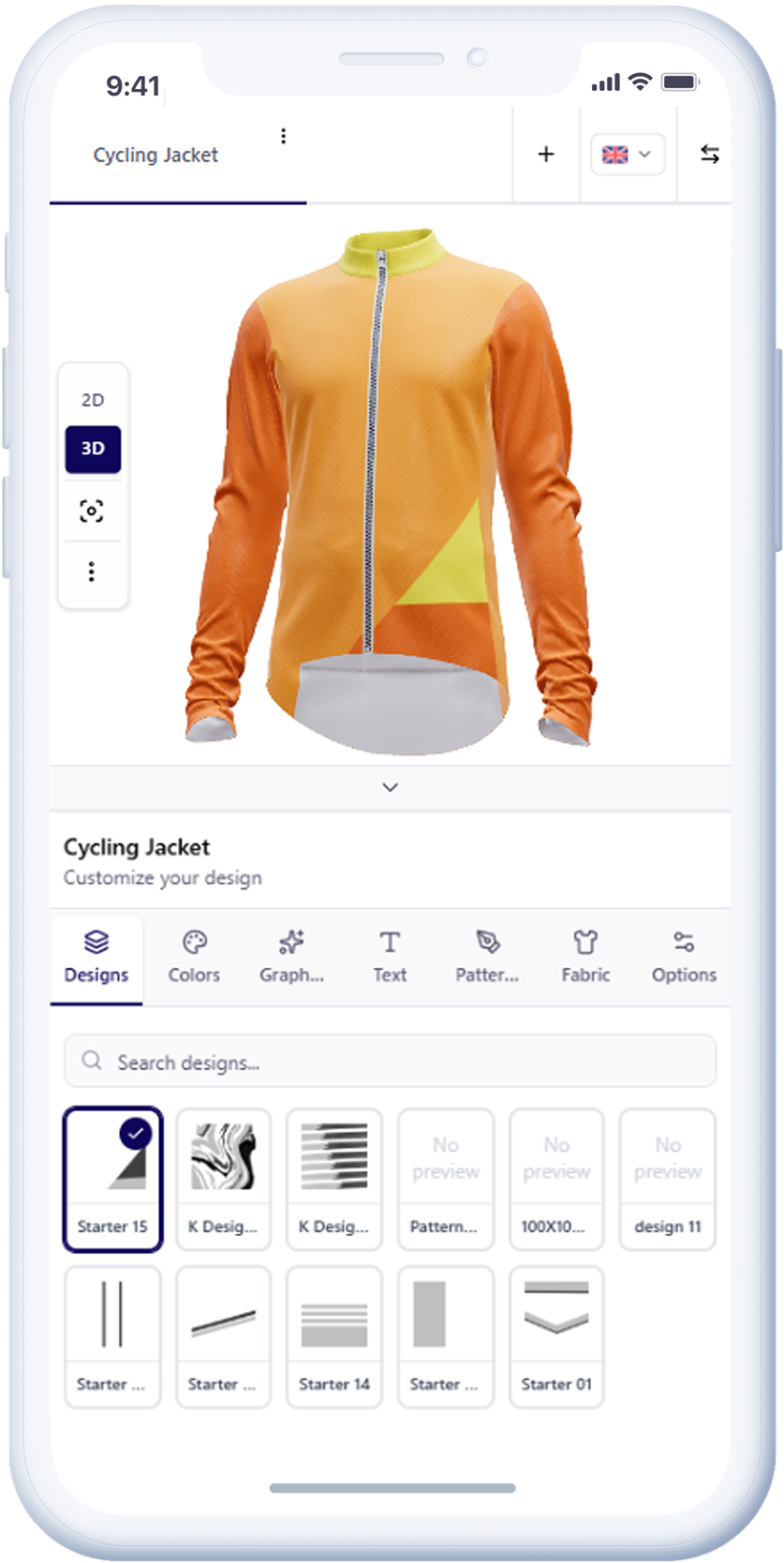
Add Konfiwear to any Shopify, WooCommerce, Wix, or OpenCart product page. No custom development required. Setup takes hours. Your product catalog, your branding, your customer experience — Konfiwear powers it behind the scenes.
Customer designs in 3D
Your customer opens the configurator on your product page. They select garment colors by panel, upload a logo, set placement and size, add player names and numbers — all on a photorealistic 3D garment model that responds in real time. No plugins, no downloads.
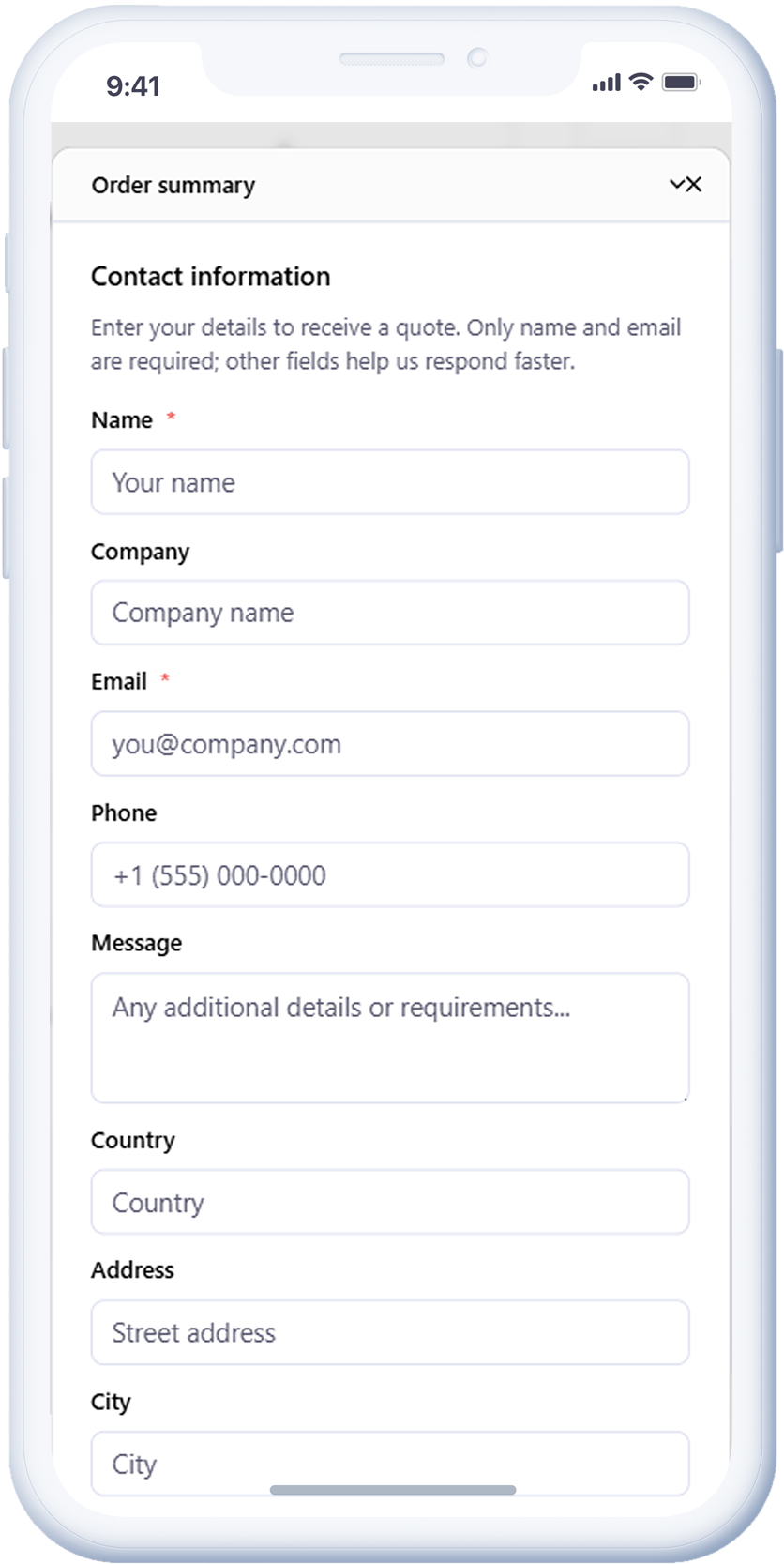
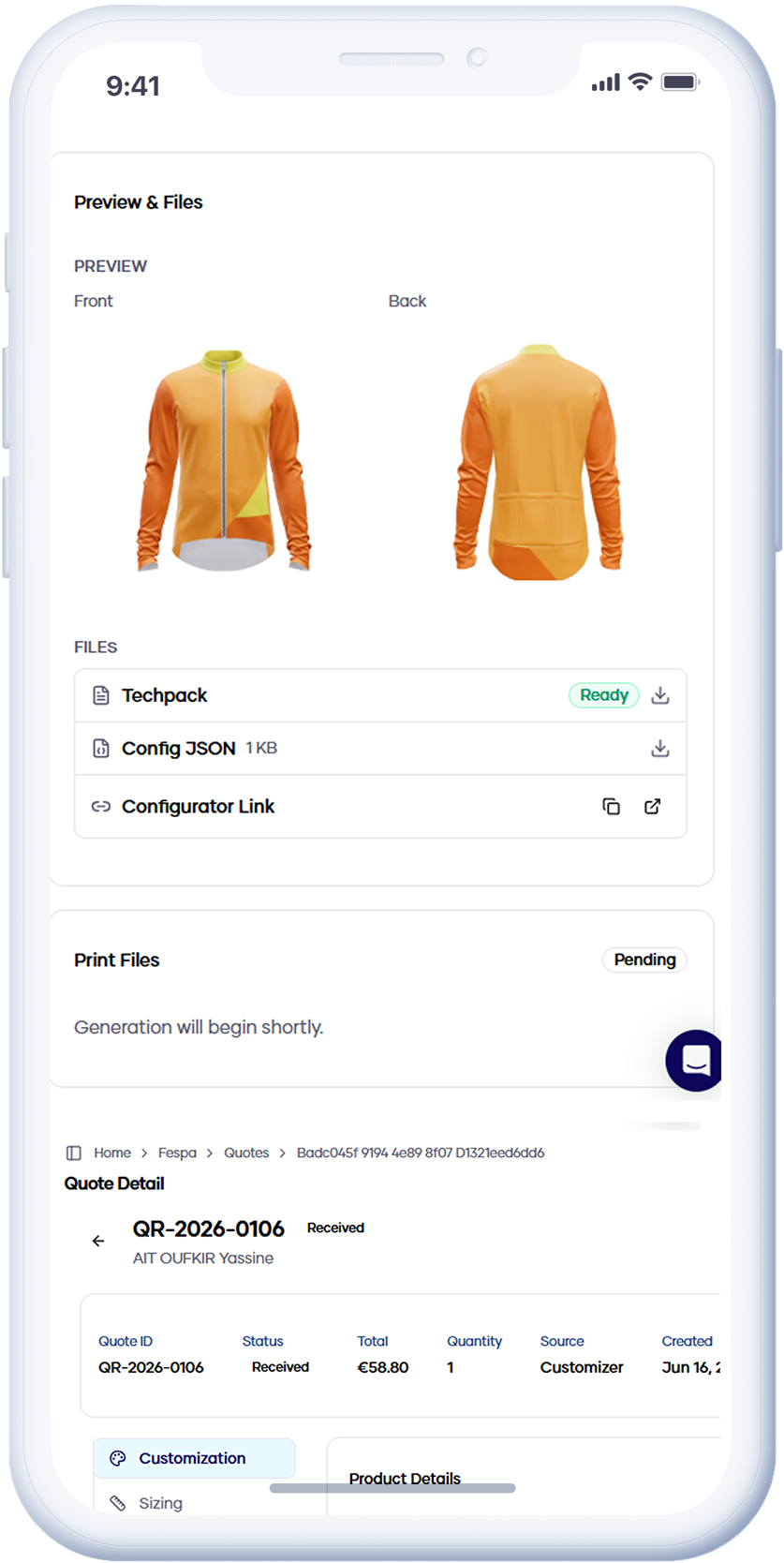
Quote or proceed to cart
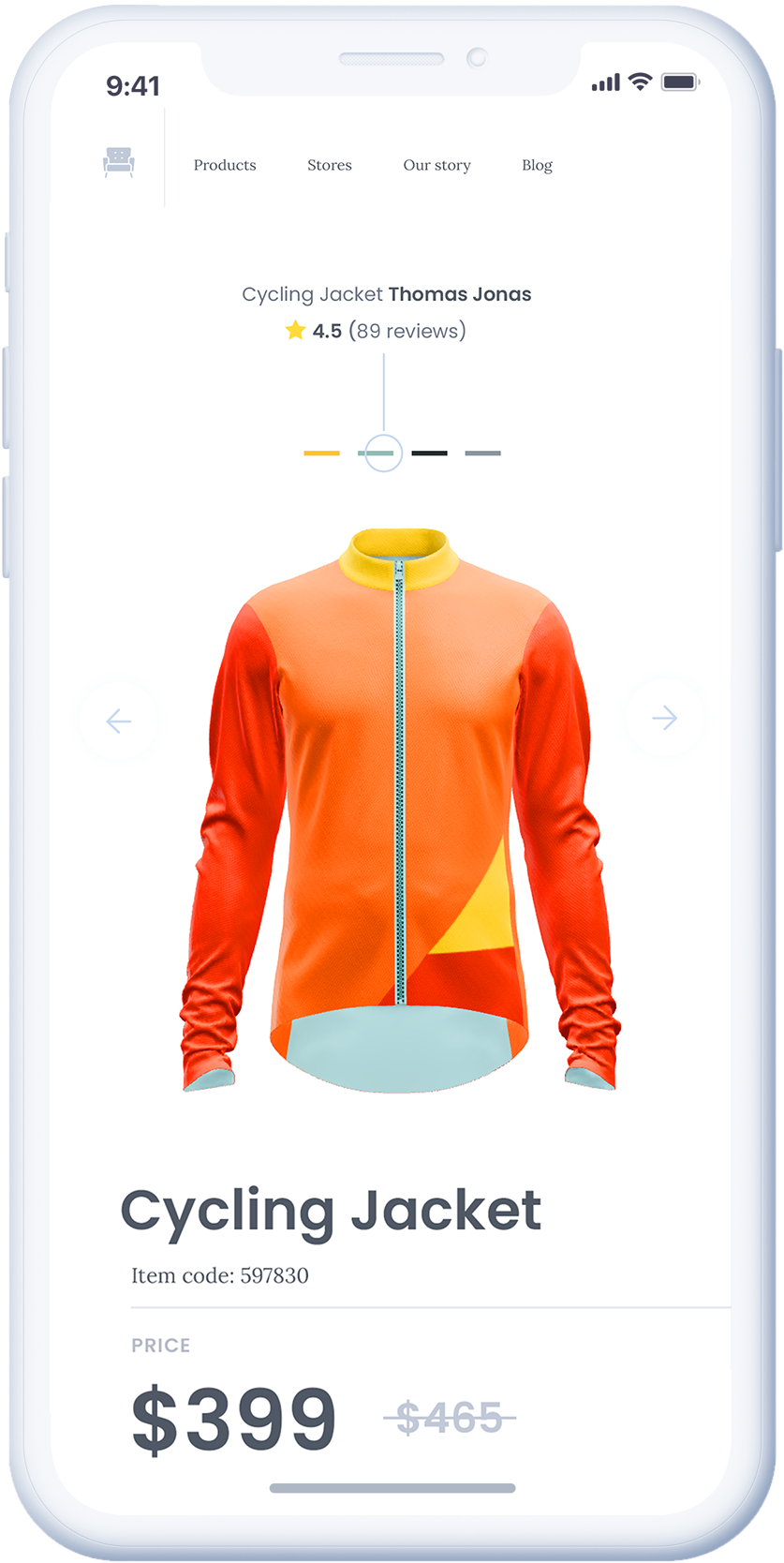
Once happy with their design, customers submit a quote directly from the configurator or proceed to cart. The order captures the exact 3D design they built — no PDFs, no back-and-forth.
Print-ready files, automatically
On order confirmation, Konfiwear outputs production files: correct DPI, CMYK or spot-color profiles, bleed marks, zone-separated artwork. Your production team receives files they can use directly. No prep time. No artwork errors.
Core Features of Konfiwear's Custom Clothing Configurator
Features that differentiate Konfiwear from general product configurators — built as apparel customization software
Real-Time 3D Preview
Customers interact with a true 3D garment model — rotate, zoom, inspect. Not a 360° photo stack. Not a flat image with color overlays. A live 3D render that updates instantly with every customization.
See the 3D customizer →Pantone-Accurate Color System
Full Pantone library, custom brand palettes, or curated product-specific color sets. The color the customer selects is the color that appears in the production file — no drift, no interpretation.
See color management →Multi-Zone Customization
Front, back, sleeves, collar — each zone independently configurable with content type rules. Some zones accept logos only; others accept names, numbers, or patterns. You define the rules; the configurator enforces them.
See color zones →Roster & Team Ordering
Each player submits their name, number, and size individually. The system consolidates all submissions into a single production-ready order file. No spreadsheet management, no manual collation.
See roster management →AI-Powered Design Tools
Background removal, AI-generated graphics, and smart logo placement — built into the configurator. Customers produce professional results without design skills. No third-party tools required.
See AI tools →Automated Production Output
SVG, PDF, and PNG output with correct DPI, CMYK profiles, bleed marks, and crop lines — generated automatically on order confirmation.
See production output →See Konfiwear's 3D Clothing Configurator in Action
Start a 14-day free trial. Embed the white label clothing configurator on your store, let customers design in 3D, and receive print-ready apparel files automatically.