3D Click-to-Place
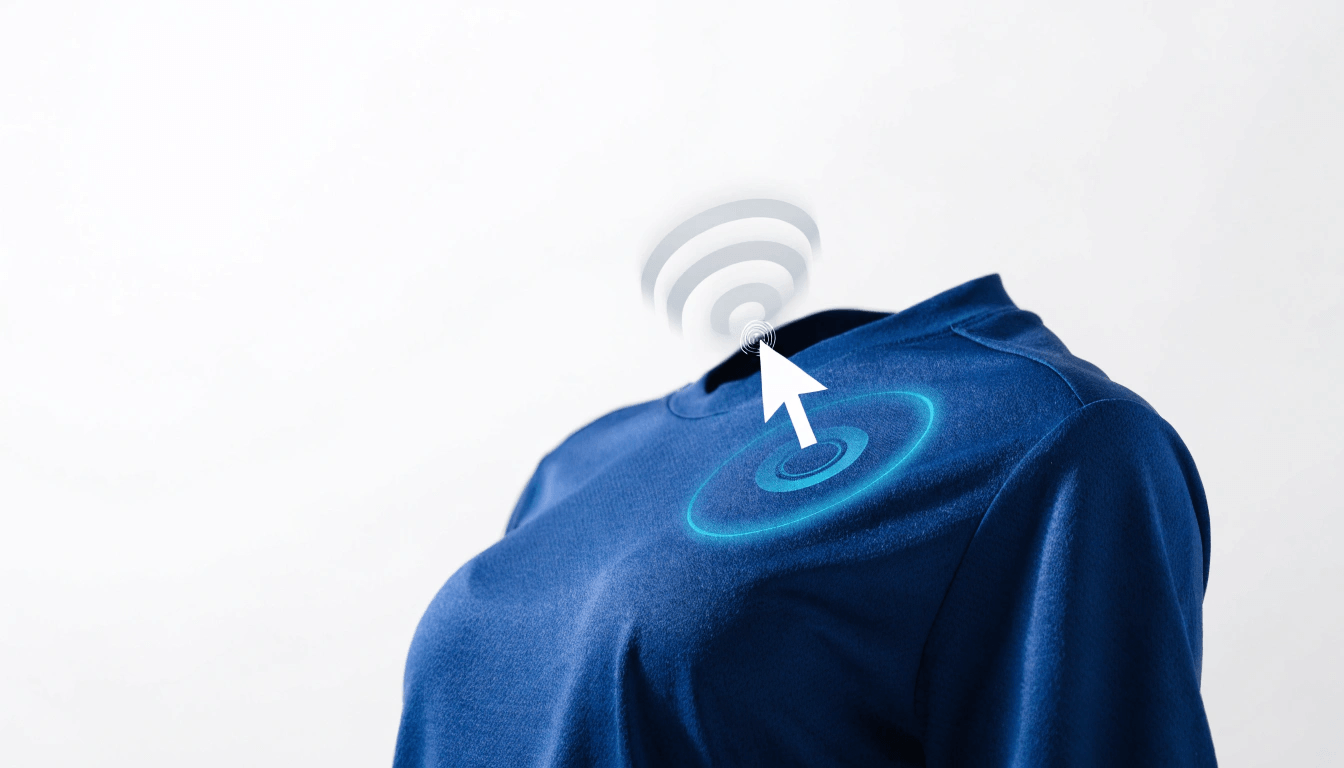
Position graphics directly on the 3D model with click-based placement. Click where you want it — the graphic snaps to the surface.
Overview
Placing artwork shouldn't require design software or guesswork. With 3D Click-to-Place, customers simply click the spot on the product where they want a logo or graphic, and it drops onto the surface exactly where they pointed.
The graphic follows the contour of the product so it always looks like it belongs there — wrapping naturally around chests, sleeves, and curves instead of floating on a flat overlay.
Key Benefits
Make precise placement effortless for customers of any skill level.
- Point-and-click placement directly on the 3D model
- Graphics snap cleanly to the product surface
- No design experience required to get a professional result
Who It's For
Ideal for stores whose customers upload their own logos and artwork.
- Teams and clubs adding crests and sponsor logos
- Promotional product sellers placing company branding
- Print shops handling customer-supplied artwork
Inside the 3D Customizer
Click-to-place is part of the real-time 3D customizer your customers use to design and finalize products.
View Platform